Product Photos to Video Ads
Turn product photos into video ads with a clear selling point and simple motion. Upload photos, review the prompt and credits, then generate a short clip here.
Explore this tool ↗LUMIFLOW / PRODUCT VIDEO STUDIO
Turn product photos into video ads with a clear selling point and simple motion. Upload photos, review the prompt and credits, then generate a short clip here.
Add product photos and accurate benefits, audience and setting.
Review the creative direction and prompt; select model, aspect ratio and duration.
Generate, check appearance and speech, then download or refine.
Turn product photos into video ads with a clear selling point and simple motion. Upload photos, review the prompt and credits, then generate a short clip here.
Explore this tool ↗Turn a reference video into a product ad prompt. Analyze its hook and shot order, adapt the structure to your product, then review before generating new clips.
Explore this tool ↗Create a product video storyboard from a brief, photos and selling points. Edit each shot, voiceover and visual prompt before generating storyboard images or clips.
Explore this tool ↗Turn long videos into short highlights with LumiFlow. Detect scenes, transcribe speech, select useful moments and assemble short clips.
Explore this tool ↗LumiFlow is an online AI product video generator for ecommerce sellers and advertising teams. Start with product images and accurate selling points, then review the creative direction before generating. Use reference videos to adapt an ad structure or a storyboard to plan individual shots. UGC-style output is AI-generated creative, not footage or reviews from real customers.
Historical showcase media is playable, but matching task records are missing. Model, settings and final cost still need verification.
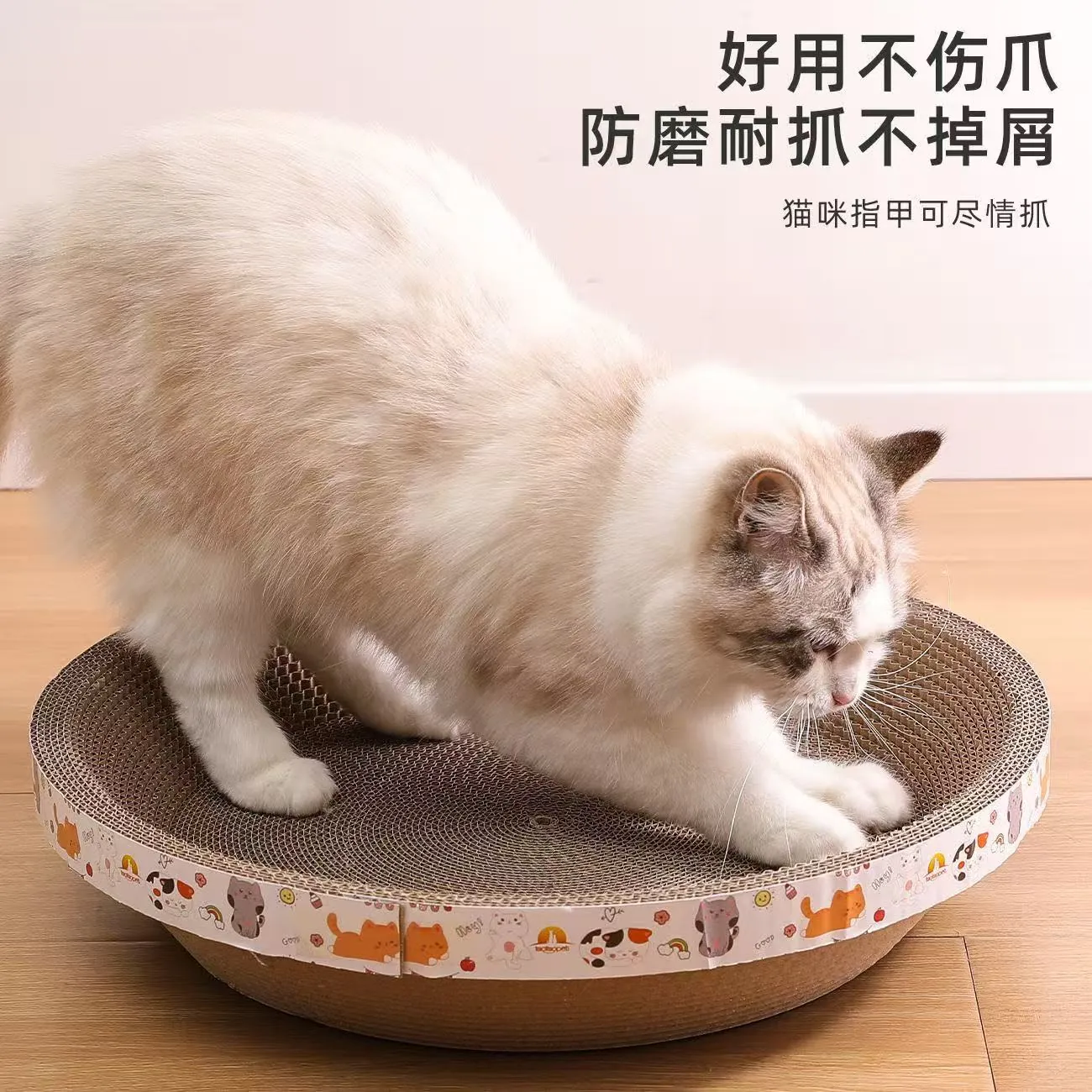
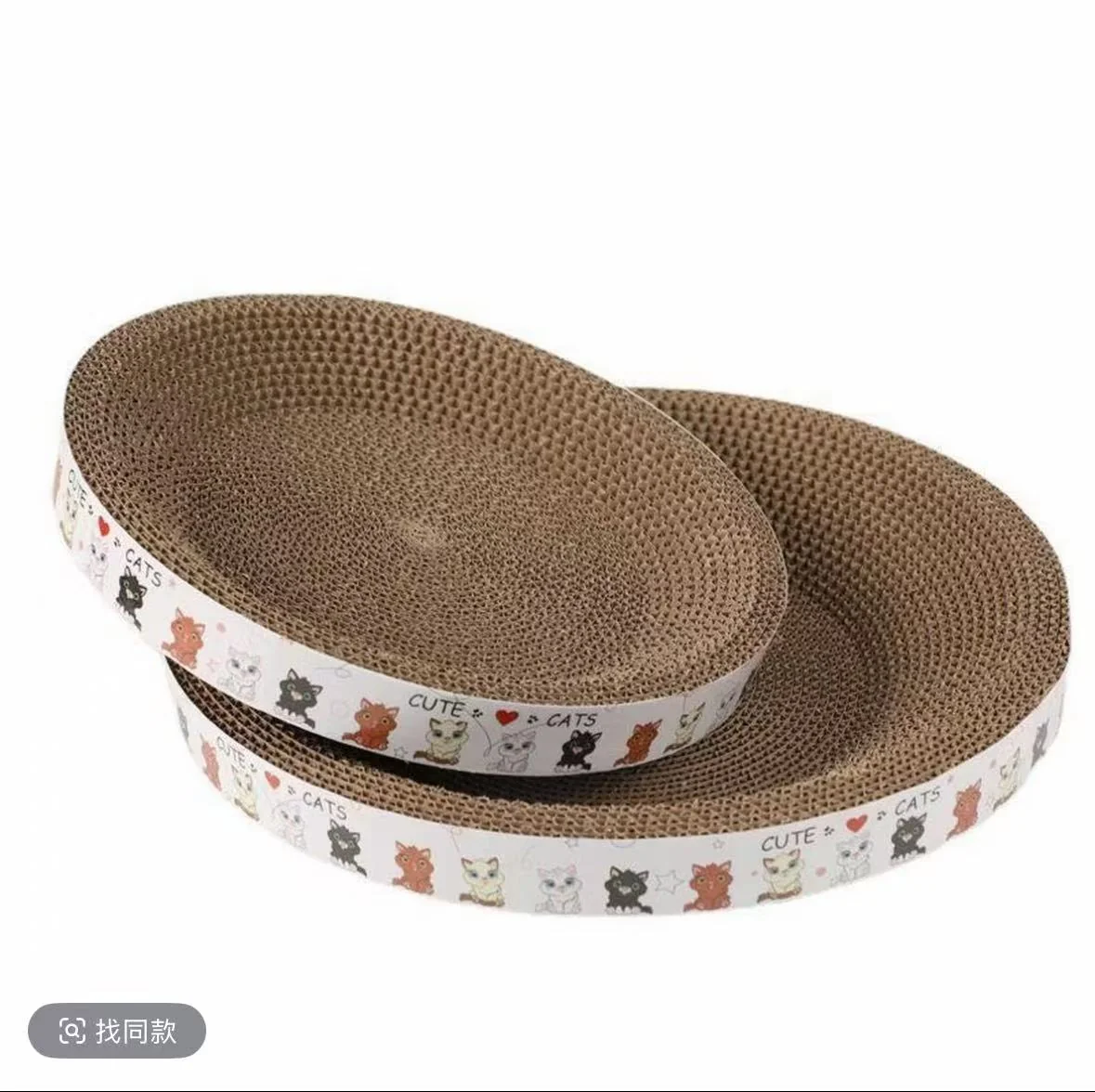

What you get: 15.07s · 720x1280 · H.264 / AAC
Model: Not recorded · Pricing and limits: Not recorded
Cat scratcher: hands occlude product edges; review the full clip for contact consistency.
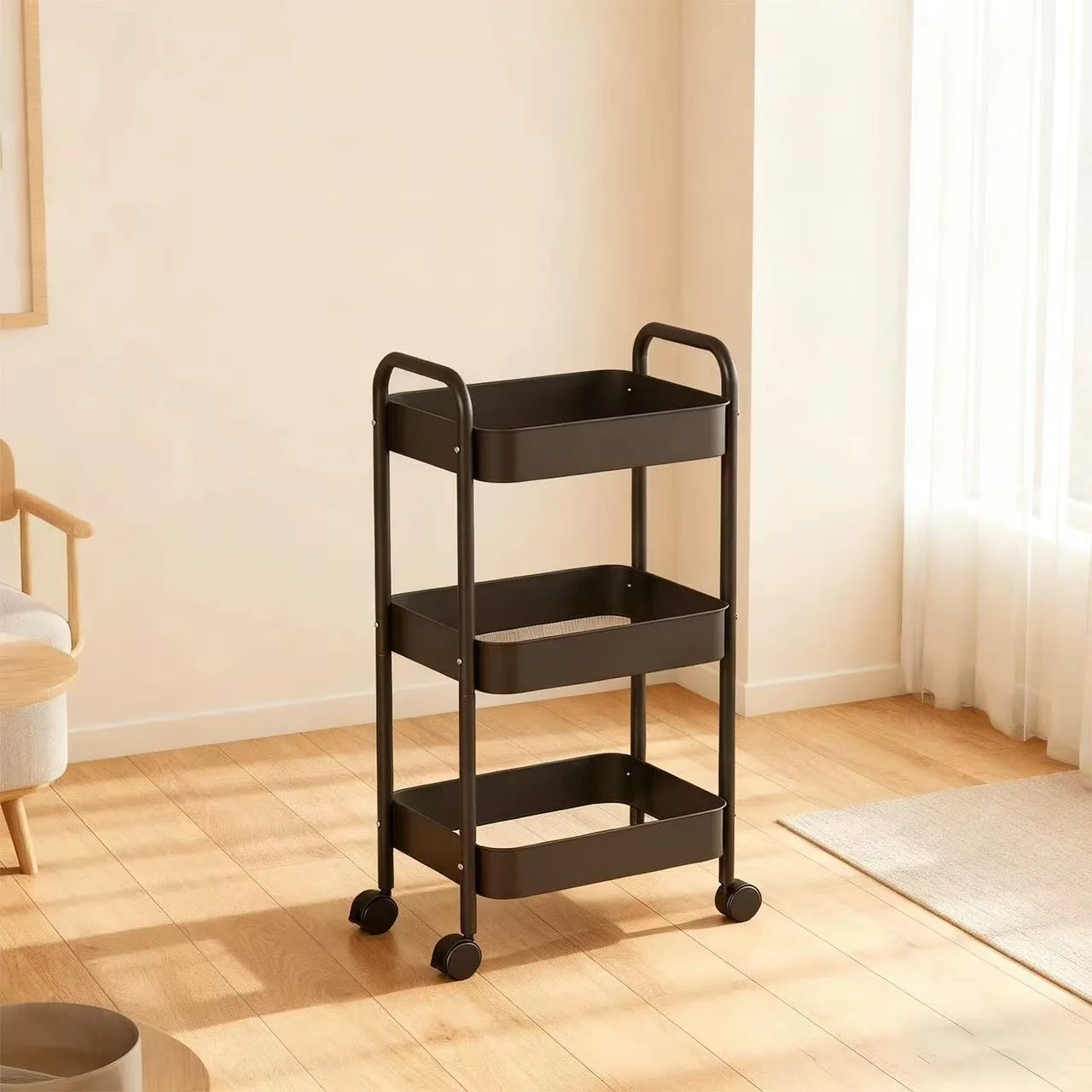
What you get: 15.07s · 720x1280 · H.264 / AAC
Model: Not recorded · Pricing and limits: Not recorded
Rolling cart: small text on books and packages needs manual verification.
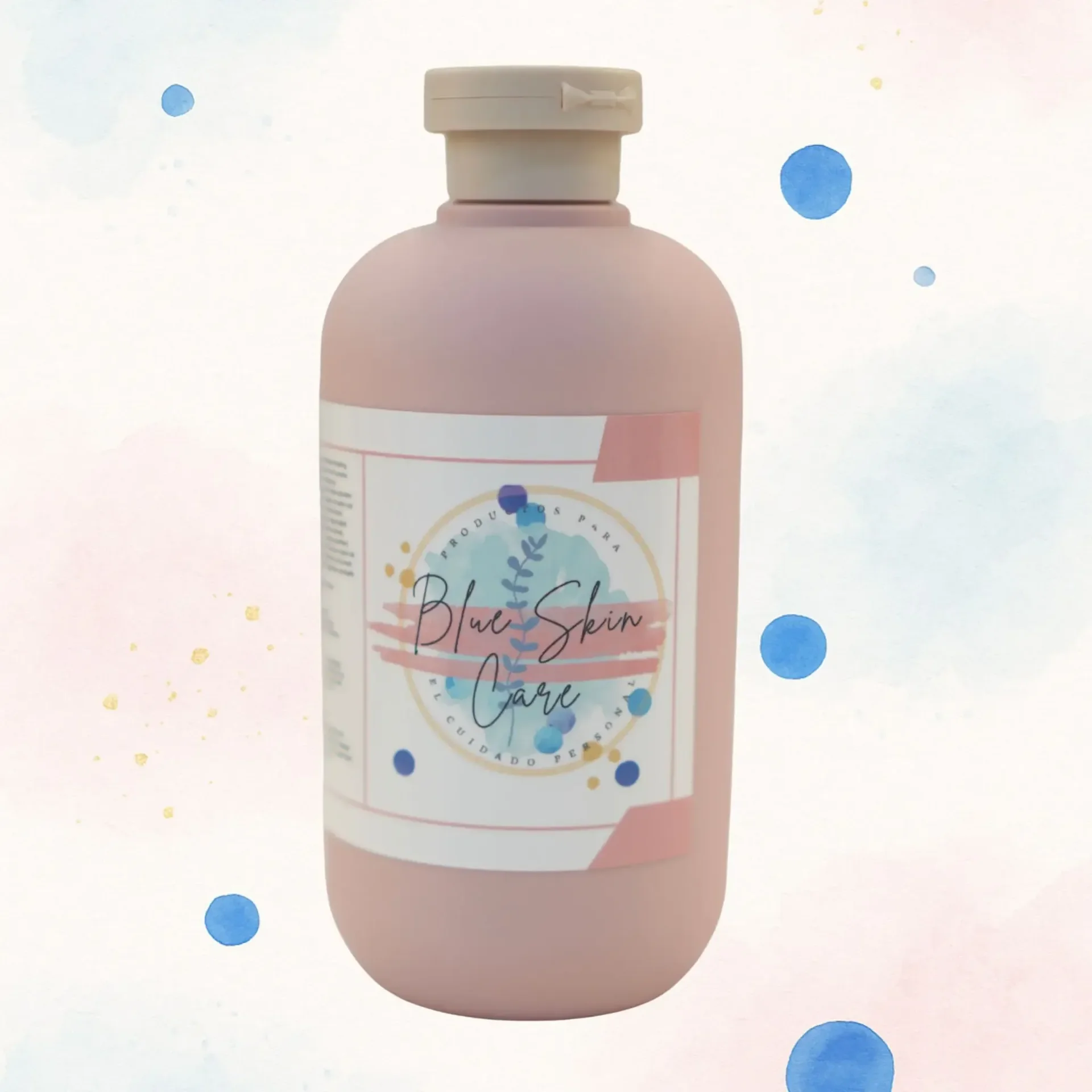
What you get: 15.07s · 720x1280 · H.264 / AAC
Model: Not recorded · Pricing and limits: Not recorded
Pink bottle: small label text is not reliably legible in the close-up; compare it with the original packaging.
What you get 1: 59.65s · 1080x1920 · H.264 / AAC
What you get 2: 15.1s · 1080x1920 · H.264 / AAC
Model: Not recorded · Pricing and limits: Not recorded
60 credits on signup. +5 credits on your first login each day (UTC).
LumiFlow uses credits. Cost depends on the model, duration, resolution and number of generations. Creative planning, storyboard images and video generation may each consume credits. Check the creation screen and pricing page before running a task.
Generation requires an account and external model availability. Duration, aspect ratio, audio and resolution depend on the selected model. Review product appearance, text, speech and character consistency. Local long-video clipping and transcription are currently unavailable. Ad performance and views are not guaranteed.
LumiFlow is an online AI product video generator for ecommerce sellers and advertising teams. Start with product images and accurate selling points, then review the creative direction before generating. Use reference videos to adapt an ad structure or a storyboard to plan individual shots. UGC-style output is AI-generated creative, not footage or reviews from real customers.
Add product photos and accurate benefits, audience and setting. Review the creative direction and prompt; select model, aspect ratio and duration. Generate, check appearance and speech, then download or refine. Product video plans an ad around the product, audience and benefits. Regular image to video focuses on turning an image and motion prompt into one clip. UGC style describes a creative approach; it is not a genuine customer testimonial.
Add a reference and your product assets; specify the structure to retain. Review the analysis and rewrite hooks, benefit order and prompts. Generate with a selected model and check content and asset permissions. The workflow analyzes structure and adapts ideas. It does not promise to duplicate actors, music or individual frames. Use materials you are permitted to process and check third-party rights before publishing.
Provide a product brief and objective; generate and review the creative plan. Edit shots and voiceover, generate storyboard images and check consistency. Generate individual clips, review the assets and assemble them in your editor. Generate and review a creative plan, shot scripts, storyboard images and individual video clips. Export the shot assets to your editor to finish a multi-shot ad.
No. LumiFlow analyzes and assembles clips; you review the result and decide where to publish. Processing time depends on video length.
LumiFlow uses credits. Cost depends on the model, duration, resolution and number of generations. Creative planning, storyboard images and video generation may each consume credits. Check the creation screen and pricing page before running a task.